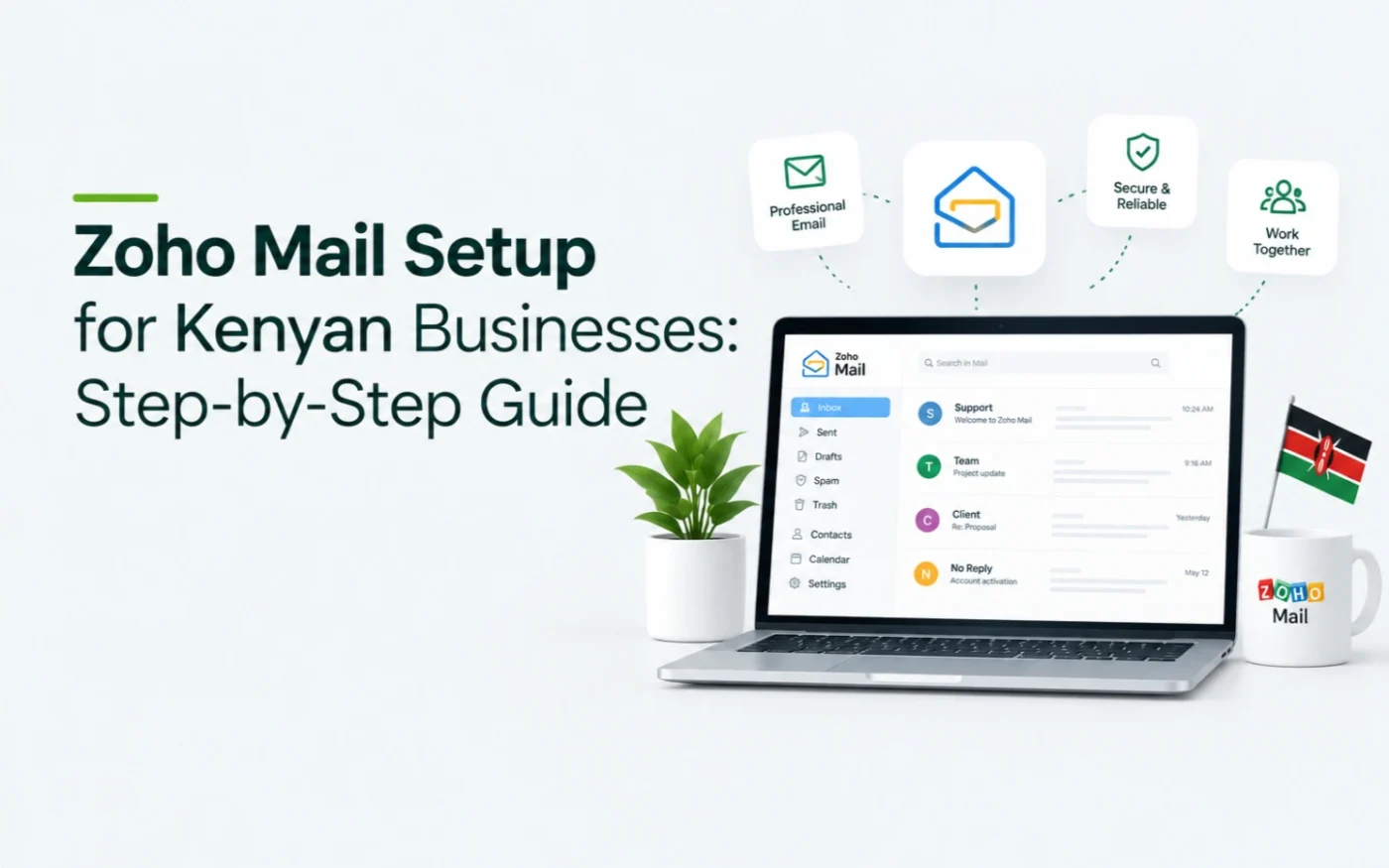
Setting up Zoho Mail for a Kenyan business is a quick job. This guide covers choosing a plan in KES, verifying your domain, adding the MX records, securing mail with SPF, DKIM and DMARC, moving your old mail across and connecting your devices.
TL;DR — Quick Summary
Pick a plan, add your domain, verify it and create your users. Migrate old mail before you switch, then replace every old MX record with Zoho’s, turn off local mail delivery at your host, and add SPF, DKIM and DMARC. Copy the MX values from your own Admin Console, because they change with your Zoho data centre.
Which Zoho Mail plan should a Kenyan business choose?
Zoho publishes Kenya-specific pricing in KES. Mail Lite and Premium are billed annually only, with no monthly option.
| Plan | Price in KES | Billing cycle | Storage and details |
|---|---|---|---|
| Mail Lite | KES 90 / user / month | Billed annually (no monthly plan) | 5 to 10 GB mailbox storage |
| Mail Premium | KES 360 / user / month | Billed annually (no monthly plan) | 50 GB mailbox, plus 50 GB e-discovery archive |
| Workplace Standard | KES 270 / user / month (annual) KES 360 / user / month (monthly) |
Billed annually or monthly | 30 GB mail storage plus full productivity suite |
| Workplace Professional | KES 540 / user / month (annual) KES 630 / user / month (monthly) |
Billed annually or monthly | 100 GB mail storage, advanced security and office tools |
Zoho also has a free plan for up to five users, with web and mobile access only and no IMAP, so it will not connect to Outlook or Gmail. If you want Outlook or Gmail connected on a paid plan, confirm IMAP access is included on Zoho’s pricing page before you buy.
- Mail Lite: basic business email for small teams.
- Mail Premium: adds archiving and a much larger mailbox.
- Workplace: adds meetings, documents and shared team storage.
Comparing Zoho with Google? Read Zoho Mail vs Google Workspace in Kenya, or see all options in our business email in Kenya comparison.
Prices checked on 30 October 2026.
How do you set up Zoho Mail for your domain? Step by step
Step 1: Sign up and add your domain
Create your Zoho account, choose a plan and add your domain (for example yourcompany.co.ke). Zoho hosts accounts in regional data centres, and your MX hostnames end in your data centre’s extension, such as .com or .eu. Always copy values from your own Admin Console, not from a guide.
Step 2: Verify your domain
Zoho gives you a verification record to add at your DNS host, typically a TXT or CNAME record, or an HTML file method. Add it and click Verify. Records usually appear within seconds to minutes. If verification fails, wait a few minutes and try again. Zoho says DNS propagation can take anywhere from a few minutes up to 30 minutes.
Step 3: Create users and aliases
Create each mailbox, then add aliases for shared addresses such as info@ and sales@. Zoho suggests setting up a temporary catch-all address before you switch the MX records, so no mail is missed.
Step 4: Move your old mail across
In the Admin Console, open Data Migration in the left pane and start a migration. The Zoho users must exist before you begin. You will need:
- Your old IMAP server and port: 993 with SSL or 143 without. On cPanel hosting the server is usually mail.yourcompany.co.ke.
- Each mailbox’s password, unchanged until the migration finishes.
- A trusted SSL certificate. Zoho rejects self-signed certificates unless you choose Skip certificate check.
Add users one by one or upload a CSV, choose all folders or specific ones, and choose all mail or mail after a date. You can pause a migration when storage reaches 80% or 95%. Per-user reports show what moved. If your old server does not support IMAP, use POP migration instead. See Zoho’s migration guide.
Step 5: Switch the MX records
Zoho uses three MX records. For accounts on the .com data centre they are:
| Host | Priority |
|---|---|
| mx.zoho.com | 10 |
| mx2.zoho.com | 20 |
| mx3.zoho.com | 50 |
- Remove every old MX record first. Leftover records, especially ones with a priority number of 10 or lower, can keep mail flowing to the old server.
- Turn off local mail delivery at your web host. On cPanel, set Email Routing to Remote Mail Exchanger. Otherwise mail from your website or old server is delivered locally and never reaches Zoho.
- Set a low TTL before you switch. Changes usually appear within minutes, and Zoho says propagation can take up to 30 minutes.
Then send a test email from an outside account. The full steps are in Zoho’s email delivery guide.
Step 6: Add SPF, DKIM and DMARC
Publish one SPF record that includes Zoho, enable DKIM in the Admin Console under Domains and Email Configuration, and add a DMARC record that starts at p=none. If you already have an SPF record, add Zoho to it instead of publishing a second one. Our SPF, DKIM and DMARC setup guide has the exact records.
Step 7: Connect your devices and test
Install the Zoho Mail app on phones, or add the account to Outlook or Gmail through IMAP if your plan allows it. Send and receive test emails, and send a message from your website’s contact form to check it arrives.
Zoho Mail setup checklist
| Task | Done when |
|---|---|
| Domain verified | Zoho shows the domain as verified |
| Users created | Every mailbox and alias is listed in the Admin Console |
| Old mail migrated | The per-user report shows each mailbox complete |
| MX records switched | Old MX records are removed and a test email from outside arrives in Zoho |
| Local delivery off | A message from your website form arrives in Zoho |
| SPF, DKIM and DMARC published | Show original in Gmail shows PASS for all three |
| Devices connected | Phones and Outlook can send and receive |
What are the most common Zoho Mail setup problems?
| Problem | Likely cause | Fix |
|---|---|---|
| The domain will not verify | DNS has not updated yet, or the host name was entered wrongly | Wait a few minutes, lower the TTL and check how your DNS host formats host names |
| Mail still goes to the old server | Old MX records remain, or local delivery is on | Remove old MX records and set Email Routing to Remote Mail Exchanger |
| Emails to a user bounce | The address or alias was not created before the switch | Create it, and use a temporary catch-all in the meantime |
| The migration stalls | A source password changed, the storage threshold was reached or the certificate is untrusted | Keep passwords unchanged, free up space or fix the certificate |
| Outlook will not connect | The free plan has no IMAP, or the plan does not include it | Move to a plan with IMAP access |
| Website form emails land in spam | No SPF or DKIM, or the site still sends through the old server | Publish SPF, DKIM and DMARC, and send from an address on your domain |
What does Zoho Mail setup cost with Studio6?
Zoho licences are paid directly to Zoho or through Studio6 managed billing. Studio6 charges a one-time setup fee of KES 5,000 plus KES 1,200 for each mailbox migrated. Optional monthly management and support is KES 2,000.
| Mailboxes | One-time fee (setup plus migration) |
|---|---|
| 3 mailboxes | KES 8,600 |
| 5 mailboxes | KES 11,000 |
| 10 mailboxes | KES 17,000 |
| 25 mailboxes | KES 35,000 |
Setup includes domain and DNS configuration, SPF, DKIM and DMARC, mailbox creation and device setup.
Frequently asked questions
Is Zoho Mail free for a business in Kenya?
Zoho offers a free plan in Kenya for up to five users on your own domain. It has web and mobile access only and no IMAP, so it will not connect to Outlook or Gmail. Paid plans start at KES 90 per user per month on annual billing.
Which MX records does Zoho Mail use?
Zoho uses three MX records: mx.zoho.com (priority 10), mx2.zoho.com (priority 20) and mx3.zoho.com (priority 50). The extension changes with your data centre, so copy the exact values from your Zoho Admin Console.
How long does Zoho Mail take to start working after I change the MX records?
It usually takes a few minutes, and Zoho says DNS propagation can take up to 30 minutes. Setting the TTL to the lowest value your provider allows before you switch helps it go faster.
Can I migrate my old cPanel email to Zoho Mail?
Yes. Zoho’s Data Migration tool copies mail from an IMAP server, including cPanel hosting. Create the Zoho users first and keep the source passwords unchanged until the migration finishes.
Do I need SPF, DKIM and DMARC for Zoho Mail?
Yes. Publish one SPF record that includes Zoho, enable DKIM in the Admin Console and add a DMARC record starting at p=none. See our SPF, DKIM and DMARC setup guide.
Need help choosing or moving?
Studio6 sets up, migrates and supports business email for Kenyan teams. Tell us how many people you have and where your email lives today, and we will recommend a path. Talk to Studio6