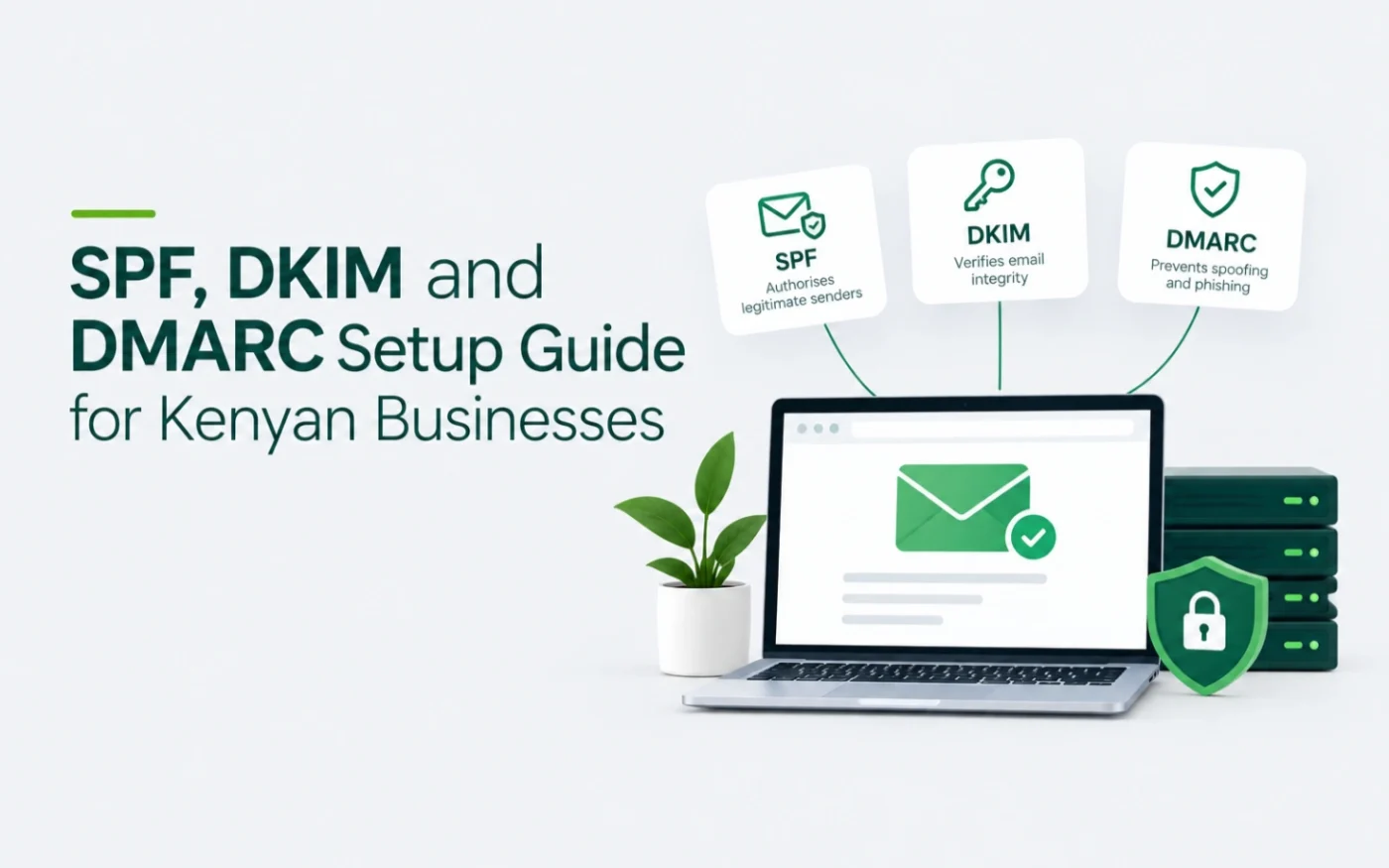
SPF, DKIM and DMARC are three DNS records that prove your email really comes from you. Without them, business email is more likely to land in spam, and anyone can send mail that pretends to be your domain. This guide explains each one in plain language and shows how to set them up for Google Workspace, Zoho Mail and cPanel email.
TL;DR — Quick Summary
Publish one SPF record, turn on DKIM in your email platform, then add a DMARC record that starts at p=none. Read the reports, then tighten to quarantine and reject. Never publish two SPF records. Do all three on day one of any new email setup.
What are SPF, DKIM and DMARC?
Each record answers a different question about a message that claims to come from your domain.
| Record | What it does | In plain words | Where it lives |
|---|---|---|---|
| SPF | Lists the servers allowed to send mail for your domain | The guest list | A TXT record at your domain root (host @) |
| DKIM | Adds a digital signature to every message you send | The tamper-proof seal | A TXT record at selector._domainkey |
| DMARC | Says what to do when SPF and DKIM fail, and sends you reports | The instructions for the doorman | A TXT record at _dmarc |
Why do SPF, DKIM and DMARC matter for Kenyan businesses?
- Inbox placement: authenticated mail is far less likely to be treated as spam. This matters most on shared hosting, where many sites share one sending reputation. See our business email in Kenya comparison for the trade-offs.
- Impersonation: fake invoices and payment requests sent in a company’s name are a common fraud. DMARC lets receiving servers reject mail that fails the checks.
- Sender rules: since February 2024, Google and Yahoo require SPF or DKIM from bulk senders, and DMARC from anyone sending more than 5,000 emails a day. See Google’s email sender guidelines. Setting DMARC up on every domain is the safe habit.
What do you need before you start?
- Access to your DNS: at your registrar, your host or a service such as Cloudflare.
- A list of everything that sends email as your domain: your email platform, website contact forms, invoicing tools, your CRM and any newsletter service.
- A mailbox for DMARC reports, such as dmarc@yourcompany.co.ke. Create it first.
How do you set up SPF?
SPF is one TXT record on your root domain (host @). It lists who may send mail for you.
| Platform | SPF record to publish |
|---|---|
| Google Workspace | v=spf1 include:_spf.google.com ~all |
| Zoho Mail | v=spf1 include:zoho.com ~all (for accounts on Zoho’s .com data centre; other data centres use their own extension, so copy the value from your Zoho Admin Console) |
| Google Workspace and Zoho together | v=spf1 include:_spf.google.com include:zoho.com ~all |
| cPanel hosting email | Open Email Deliverability in cPanel (under Email), if your host has enabled it. It shows the record your server needs. |
Four rules keep SPF working:
- One SPF record per domain. Two records cause a PermError and SPF fails. Add new senders into the record you already have.
- Ten DNS lookups at most. Every include counts. Remove senders you no longer use.
- End with
~all(soft fail) for most businesses.-allis stricter. - Include every real sender, including forms and invoicing tools.
How do you set up DKIM?
Your email platform generates a private signing key and gives you the matching public key as a TXT record. You publish that record, then switch signing on.
DKIM for Google Workspace
In the Admin console, go to Apps, then Google Workspace, then Gmail, then Authenticate email. Select your domain and generate a new record (choose the 2048-bit key). Add the TXT record at the host shown, usually google._domainkey. Return to the console and click Start authentication. The record is usually recognised within minutes.
DKIM for Zoho Mail
In the Zoho Admin Console, open Domains, select your domain and go to the Email Configuration tab. Add a DKIM selector, copy the host name and value into your DNS, then click Verify. The host usually looks like zmail._domainkey, but always copy the exact value Zoho shows you.
DKIM for cPanel hosting
The Email Deliverability tool in cPanel can generate a DKIM key and install the record for you when your hosting server controls your DNS and your host has enabled the tool. If your DNS is elsewhere, copy the record it gives you into your DNS host.
Watch the host name. Some DNS hosts add your domain automatically, so you should enter only selector._domainkey. Others need the full name. If your lookup shows yourcompany.co.ke.yourcompany.co.ke, the domain was added twice.
How do you set up DMARC?
DMARC is a TXT record at host _dmarc. Start with this:
v=DMARC1; p=none; rua=mailto:dmarc@yourcompany.co.ke
p=nonemeans monitor only. Nothing is blocked.ruais where daily reports are sent. The mailbox must exist.
DMARC passes when SPF or DKIM passes and the domain matches your From address. Read the reports, fix any legitimate sender that fails, then tighten the policy one stage at a time:
A few weeks per stage is typical, and longer if you send from many systems. Raw DMARC reports are XML files that are hard to read, so use a DMARC report reader to turn them into a table of who sent what.
How do you test SPF, DKIM and DMARC?
- Send an email from your domain to a Gmail address.
- Open the message, click the three dots and choose Show original.
- Check that SPF, DKIM and DMARC each show PASS.
- Use a DNS lookup tool to confirm each record exists exactly once, and recheck in a few minutes if a record is not found yet.
What are the most common SPF, DKIM and DMARC mistakes?
| Mistake | What happens | Fix |
|---|---|---|
| Two SPF records | SPF returns a PermError and fails | Merge both into one record |
| Forgetting a sender such as a form plugin, CRM or invoicing tool | That mail fails DMARC | List every sender before you enforce |
| Jumping straight to p=reject | Legitimate mail is blocked | Start at p=none and move up in stages |
| Doubling the domain in the DKIM host | DKIM is not found | Enter selector._domainkey only if your DNS host adds the domain |
| A DMARC report mailbox that does not exist | You receive no reports | Create the mailbox first |
| More than ten SPF lookups | SPF fails | Remove unused includes |
Want SPF, DKIM and DMARC set up for you?
Domain and DNS configuration, including SPF, DKIM and DMARC, is part of every Studio6 email setup. One-time setup is KES 3,500 for hosting email, KES 5,000 for Zoho Mail and KES 6,500 for Google Workspace or Microsoft 365. Moving platforms as well? See our cPanel to Google Workspace migration guide and our Zoho Mail setup guide.
Frequently asked questions
Do I need SPF, DKIM and DMARC if I only send a few emails?
Yes. Mail from a domain without them is more likely to land in spam, and anyone can imitate your domain. The records cost nothing to publish and take minutes to add on most DNS hosts.
Can I have more than one SPF record?
No. A domain must have exactly one SPF record. Two records cause a PermError and SPF fails. Merge all your senders into a single record.
What should my DMARC policy be?
Start with p=none to monitor. Move to p=quarantine and then p=reject once your reports show that every legitimate sender passes.
How long do SPF, DKIM and DMARC take to work?
The records usually take effect within a few minutes, and up to about 30 minutes in some cases, depending on your DNS host and TTL.
Do Google and Yahoo require DMARC?
Since February 2024, Google and Yahoo require SPF or DKIM from bulk senders, and DMARC from senders of more than 5,000 emails a day. Even small senders should publish DMARC.
Need help choosing or moving?
Studio6 sets up, migrates and supports business email for Kenyan teams. Tell us how many people you have and where your email lives today, and we will recommend a path. Talk to Studio6