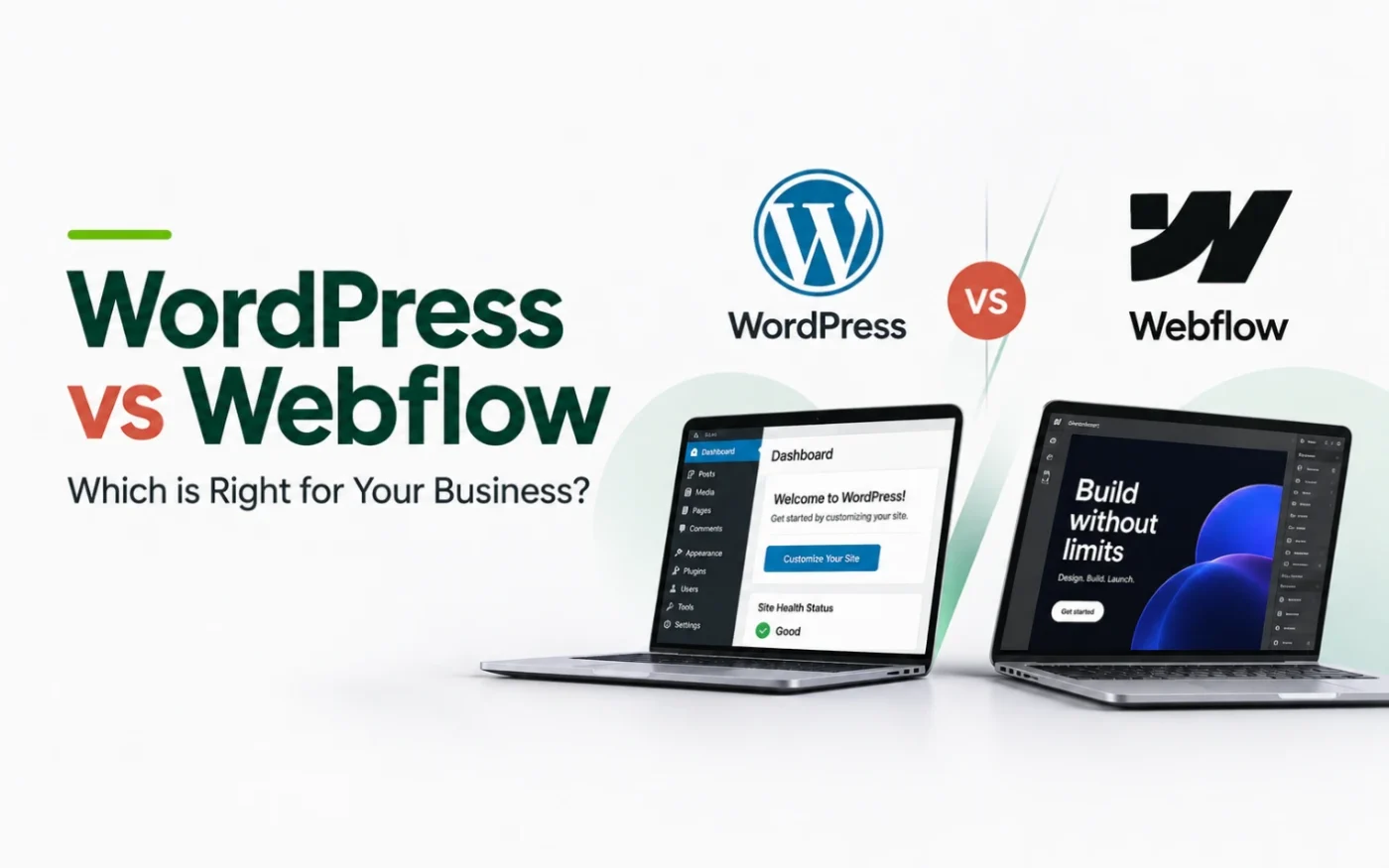
Webflow is a strong tool, and many people ask us whether it is a better choice than WordPress. For most Kenyan businesses we work with, our answer is still WordPress. This guide compares what you get, what you pay and who controls the site, and explains when Webflow is the better fit.
TL;DR: Quick Summary
We recommend building on WordPress because you own the site, can host it with any provider, can move it without rebuilding, and can add almost any feature. Webflow gives a polished visual editor and managed hosting, but it keeps your site on its own platform, and its code export leaves out CMS content, ecommerce and working forms. We also design with Claude on WordPress. Studio6 builds WordPress websites for Nairobi businesses.
Status note: Webflow prices and features follow public information as of 7 November 2026.
WordPress vs Webflow at a Glance
| WordPress | Webflow | |
|---|---|---|
| What it is | Open-source website software you install and run | A hosted website builder and platform |
| Hosting | Any host you choose, and you can change later | Webflow’s own hosting |
| Who owns the site | You, with the files and database | You own the content, but the site runs on Webflow |
| Moving the site | Move to another host with its features intact | Code export excludes CMS, ecommerce and working forms |
| Pricing | Free software, you pay for domain, hosting and any premium parts | Monthly site plans in US dollars, plus seats for builders |
| Features | Thousands of plugins and themes | Built-in features, fewer third-party add-ons |
| Upkeep | Updates, backups and security need managing | Handled by Webflow |
| Best for | Most business sites, stores, blogs and membership sites | Design-led marketing sites |
Per W3Techs, as reported by Barn2, WordPress runs about 42.6% of all websites. That scale means a large pool of developers, plugins and hosts, and little risk of being stranded.
What You Get With Each
With WordPress
- Full ownership. You hold the files, the database and the domain. Nobody can change the terms under you.
- Flexibility. Stores, bookings, memberships, multilingual sites and custom features are all available through plugins or custom code.
- A huge ecosystem. Themes, plugins and developers are easy to find, and so are people who can take over a site.
- Strong SEO foundations. You control URLs, redirects, schema and speed, and can add SEO tools.
With Webflow
- A polished visual designer. Designers can build custom layouts and interactions without writing code.
- Managed hosting. Hosting, security and updates are handled for you.
- Fewer moving parts. There are no plugins to update or conflict.
- Clean, consistent output. It suits brand-led marketing sites well.
What You Pay For
The two platforms charge in different ways, which makes a direct comparison tricky.
WordPress software is free. You pay for a domain, hosting and anything premium you choose, such as a theme or plugins. Hosting is the main recurring cost, and you can shop around. See our guides to web hosting companies in Kenya and where to buy a domain name in Kenya. At Studio6, hosting starts at KES 5,000 a year and management at KES 6,500 a month, including minor edits.
Webflow charges per site on a monthly plan, billed in US dollars, and separately for workspace seats if you build or manage the site. To use its CMS, which you need for a blog or any collection-driven content, you must be on the Premium plan: $25 a month billed yearly, or $39 a month billed monthly. Its cheaper plans have no CMS. At KES 129 to the dollar, Premium is about KES 3,200 a month billed yearly, or about KES 5,000 a month billed monthly, every month for as long as the site is live. WordPress, including its full CMS, is free open-source software. There is no licence fee and no plan to upgrade. Confirm Webflow’s current prices at webflow.com/pricing.
| Cost | WordPress | Webflow |
|---|---|---|
| Software and CMS | Free, open source | CMS only on Premium: $25 a month billed yearly or $39 billed monthly |
| Hosting | Your choice of host, from a few thousand shillings a year | Included in the site plan |
| Domain | Any registrar | Any registrar, connected to Webflow |
| Currency | Local hosts price in KES | US dollars |
| Add-ons | Premium themes and plugins, if you choose them | Higher plans or higher limits for more content and traffic |
| Builder access | No per-seat fee | Workspace plan and seats if you build or manage the site |
The difference is not only price. The difference is control: with WordPress you can switch hosts if prices rise or service drops, while with Webflow your site stays on its platform and its pricing.
Hosting: Why Choice Matters
With WordPress you can host with whoever you want, and that matters in practice:
- Local speed. A Kenyan host can serve Kenyan visitors from nearby servers.
- Local support and billing. You can pay in shillings through M-Pesa or bank transfer and get support in your time zone.
- No lock-in on price. If a host raises prices, you move.
- Matching the host to the site. A small brochure site and a busy store need different servers.
See our comparisons of Kenyan hosts and international hosts to choose.
Ownership and Portability
This is the clearest difference. A WordPress site is files and a database that you can back up and move to any compatible host with all its features working. Webflow offers code export, but per Webflow’s own help article. It includes your HTML, CSS, JavaScript and images, and it leaves out:
- CMS content and its functionality, so collection lists appear empty.
- Ecommerce, including products and checkout.
- Forms and site search, which stop working on exported sites.
- User accounts, password protection and localized content.
Code export is also limited to Workspace plans. You can host the exported pages anywhere, but you would rebuild the dynamic parts. For a business that expects to grow, that is a real cost to weigh before you commit.
Features and Ecommerce
WordPress handles almost any requirement through plugins or custom development: stores, bookings, member areas, multilingual sites, directories and integrations. Webflow covers common needs inside its platform and can be extended with custom code or third-party tools. If your needs are unusual or likely to grow, WordPress leaves more room. Check any payment option you need, such as M-Pesa, on the platform before you commit.
Where Webflow Wins
We recommend WordPress, but an honest comparison includes where Webflow is stronger:
- Visual design without code. Its designer gives fine control over layout and motion.
- Less maintenance. You do not manage plugins, PHP versions or server updates.
- Security handled for you. A managed platform has a smaller attack surface than an unmaintained WordPress site.
- Good for simple marketing sites. A five-page site that rarely changes can run happily on it.
WordPress needs upkeep: updates, backups and security checks. That is the price of flexibility, and it is why we offer management plans.
What an Independent Review Found
G2, a software review site, tested both platforms in 2026 and rated each 4.4 out of 5. Its author did not name one overall winner, but the findings line up with our recommendation. See the full G2 comparison.
- SEO: WordPress won on content and SEO. The author found adding nofollow links and schema markup easier on WordPress than on Webflow.
- Scalability: WordPress scales to large, complex and content-heavy sites, while Webflow is better suited to smaller projects.
- Ease of use for beginners: the author found WordPress easier for absolute beginners because its interface is less crowded, and found Webflow’s visual editor has a learning curve.
- Design: Webflow won on design, as we say above.
G2 also notes that many agencies pair a Webflow front end with a WordPress CMS, using Webflow for design and WordPress to manage content. The pairing shows the two are not enemies, and that WordPress remains the content engine many teams rely on.
Designing With Claude on WordPress
You do not give up modern, AI-assisted design by choosing WordPress. At Studio6 we use Claude to design and write page sections to your brand: layouts, typography, copy and interactions. We then build them into WordPress as custom HTML, CSS and JavaScript, or inside a page builder such as Elementor. The result is a site shaped to your brand, running on a platform you own, without the generic look of a template.
Webflow also works with Claude. It offers an MCP server and Claude connector that lets Claude manage Webflow sites, for example by auditing a site or creating sections. So Claude is not a reason to pick one platform over the other. The reason to pick WordPress is ownership, hosting choice and flexibility, and Claude helps us design well on either.
Which Should You Choose?
Choose WordPress if:
- You want to own the site and host it where you choose.
- You may add a store, bookings, a member area or a blog.
- You want local hosting and local billing.
- You expect the site to grow and change.
Choose Webflow if:
- You want a small, design-led marketing site.
- You prefer managed hosting and no plugin upkeep.
- You are comfortable staying on its platform and paying in dollars.
Most of the businesses we speak to fit the first list, which is why we recommend WordPress.
How Studio6 Can Help
Studio6 designs and builds WordPress websites for startups, SMEs, NGOs, corporates and institutions. We design your brand (logo, typography and colour palette), design and develop the site, set up your business email and social media accounts, and support the site after launch. We register your domain for free, in your name. Websites start at KES 100,000, hosting from KES 5,000 a year and website management from KES 6,500 a month, including minor edits.
Build an estimate with our website cost estimator, or compare agencies in our guide to the top web designers in Nairobi.
Email us at hello@bystudio6.com, and we will recommend the right platform for your project.
Frequently Asked Questions
Is WordPress better than Webflow?
For most Kenyan businesses we build for, yes, mainly because you own the site, can host it with any provider and can move it without rebuilding. Webflow is a good tool, especially for design-led marketing sites, and is the better fit in some cases covered above.
Can I host a WordPress site with any provider?
Yes. WordPress is open-source software, so you can run it with Safaricom, Hosting.com, Truehost, HostPinnacle, HostAfrica or any other host that supports it, and move to another host later. Webflow sites run on Webflow’s own hosting.
Can I move my website away from Webflow?
Only partly. Webflow’s code export is available on Workspace plans only, and it does not carry over CMS content, ecommerce, or working forms and site search. You can host the exported pages elsewhere, but you would rebuild those features.
Is Webflow cheaper than WordPress?
Not usually when you need a CMS. Webflow’s CMS requires its Premium plan, at $25 a month billed yearly or $39 a month billed monthly, charged in US dollars for each site. WordPress, including its CMS, is free open-source software, and you pay only for a domain, hosting and any premium themes or plugins you choose.
Can you design a WordPress website using Claude?
Yes. At Studio6 we use Claude to design and write page sections, then build them into WordPress as custom HTML, CSS and JavaScript or inside a page builder. You get a design shaped to your brand, on a platform you own.
Can Claude also work with Webflow?
Yes. Webflow offers an MCP server and a Claude connector that lets Claude manage Webflow sites, for example by auditing a site or creating sections. So working with Claude is not a reason to pick one platform over the other.
When should I choose Webflow instead?
Webflow suits a small, design-led marketing site where you want managed hosting, no plugins to update and visual control, and where you accept staying on its platform. If you need a store, a membership area or flexible hosting, WordPress is usually the stronger base.
Sources
- Webflow Help: How do I export my Webflow site code?
- Webflow Developers: Claude Desktop connector
- G2: Webflow vs WordPress
- Barn2: WordPress market share (W3Techs data)